Beautiful websites are just the beginning. Learn why strategic design choices can make or break your business performance.
To display AdUp promotional media on your website, you must first:
have created your website in your publisher account
have created an ad block
have selected the integration type “Responsive Ads” in the layout
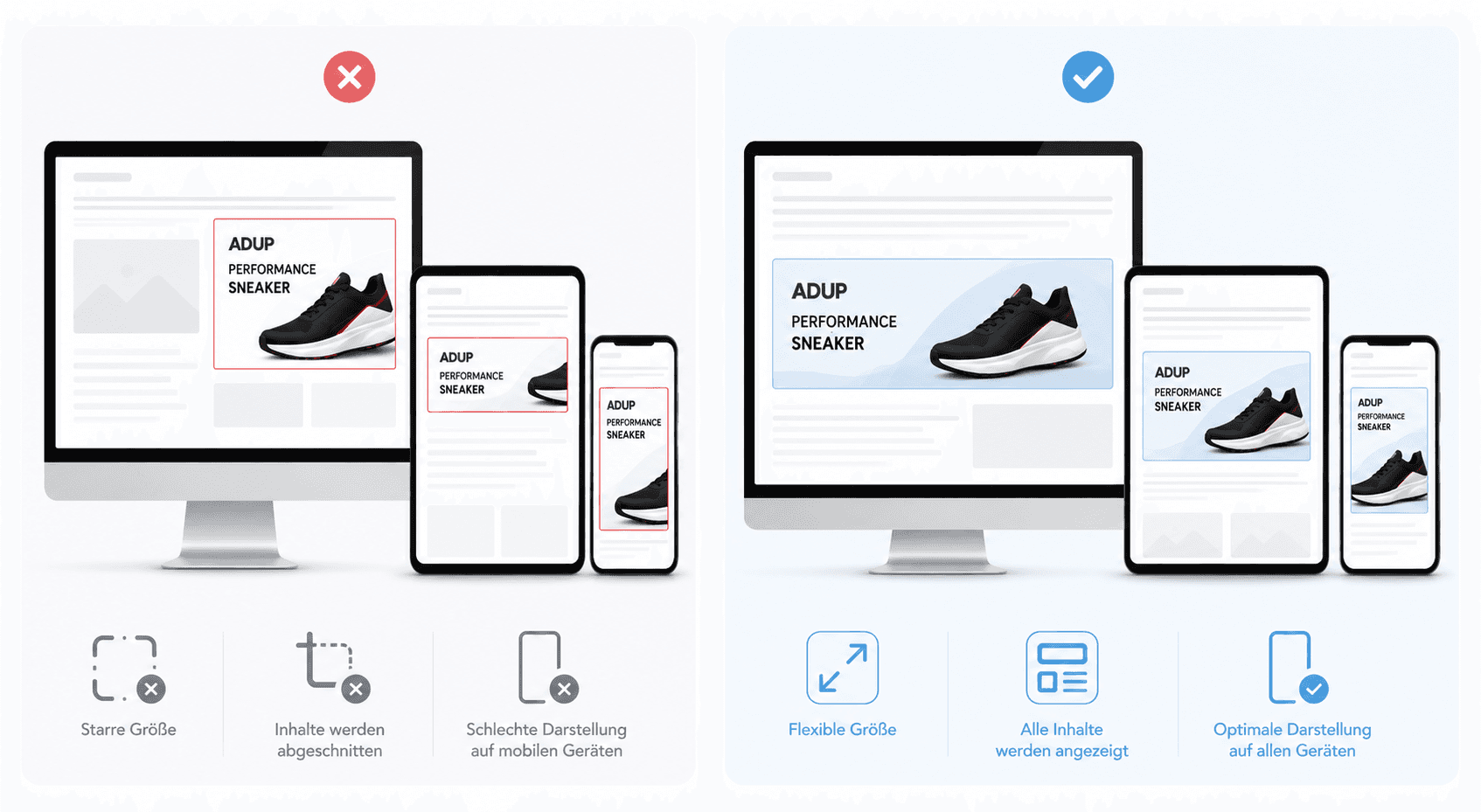
Responsive ad blocks adapt automatically to different screen sizes and are therefore particularly suitable for modern, mobile-optimised websites.
How Responsive Ads work
AdUp promotional media are loaded within an iFrame at the desired position on your website. The size and arrangement of the ads are based on the HTML container that you define on your page.
Therefore, it is important that:
The surrounding HTML container always requires a valid width and height specification.
This is the only way our responsive logic can scale and optimise the ad correctly.
If the available space is smaller than the originally configured layout, AdUp automatically adapts the ad. For example, this may involve:
reducing font sizes
hiding individual elements
arranging ads differently
scaling down images or buttons
This ensures that the promotional media are still displayed neatly even on smaller devices.
Available integration types
Responsive ad blocks can be integrated in two ways:
Asynchronous (recommended)
Synchronous
Asynchronous integration offers the best performance and should be used preferentially.
Asynchronous integration (recommended)
With asynchronous integration, the website is displayed independently of the loading of the advertisement. This improves the loading time of your page.
The integration takes place in two steps:
Define the HTML container on the website
Load the AdUp JavaScript API asynchronously
This method is particularly suitable when:
multiple ad blocks are used on one page
events such as onClick or onNoAds are to be used
maximum performance is desired
Step 1: Create the HTML container
First, place a container with a unique ID as well as a defined height and width: