Is that interesting to me?
Our AdUp API allows you to automatically retrieve information about your pages or campaigns via an interface of our system and transfer it directly into your preferred system. You can evaluate your campaign performance or that of your site without logging into your AdUp account and combine it with other information already available in your BI system.
To take advantage of the AdUp API, you'll need access (read more about how to get it below) and you'll need to make a request to our API. Read more about this in the support article Basics.
How do I get access?
Step 1
In your AdUp account, select 'Profile' in the top menu. There you will find the item 'Manage API accesses'.
Step 2
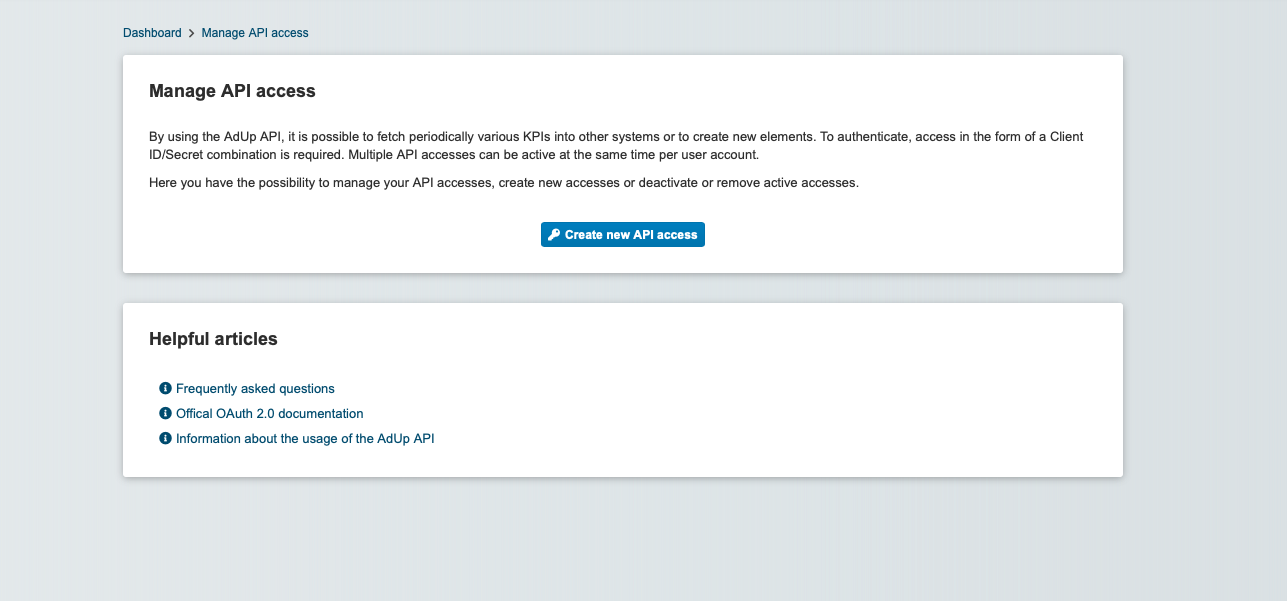
Click on 'Create new API account
Step 3
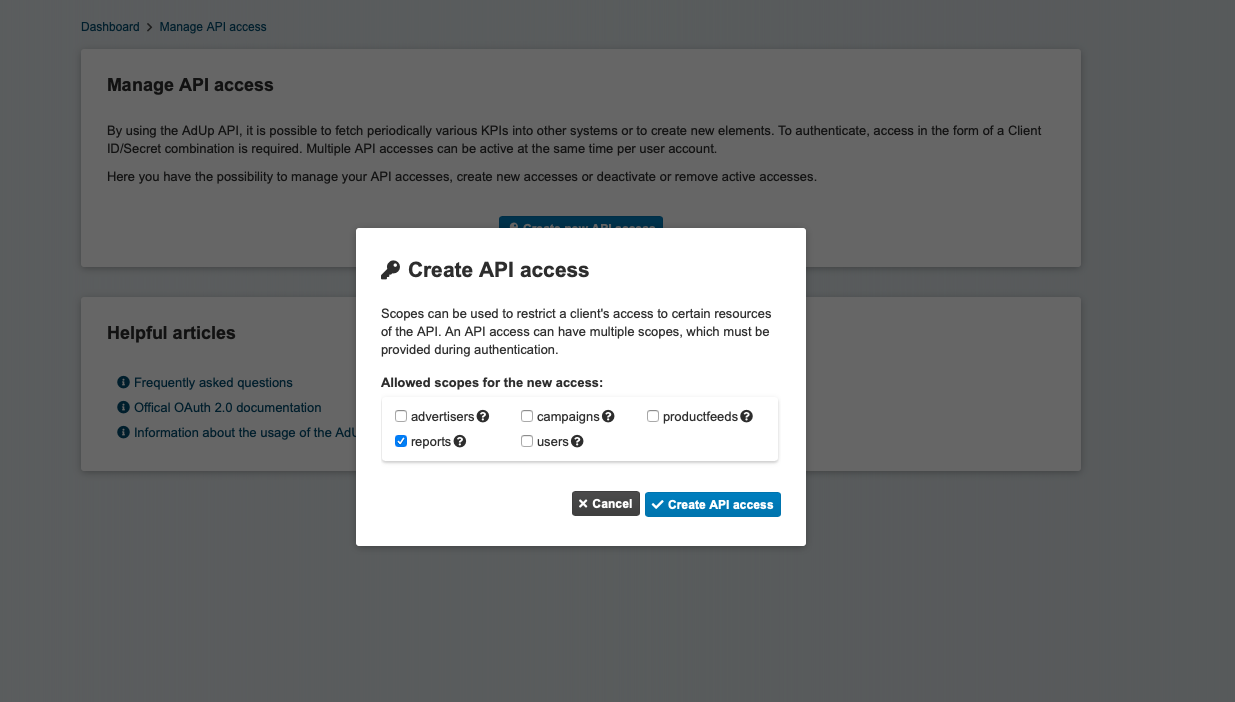
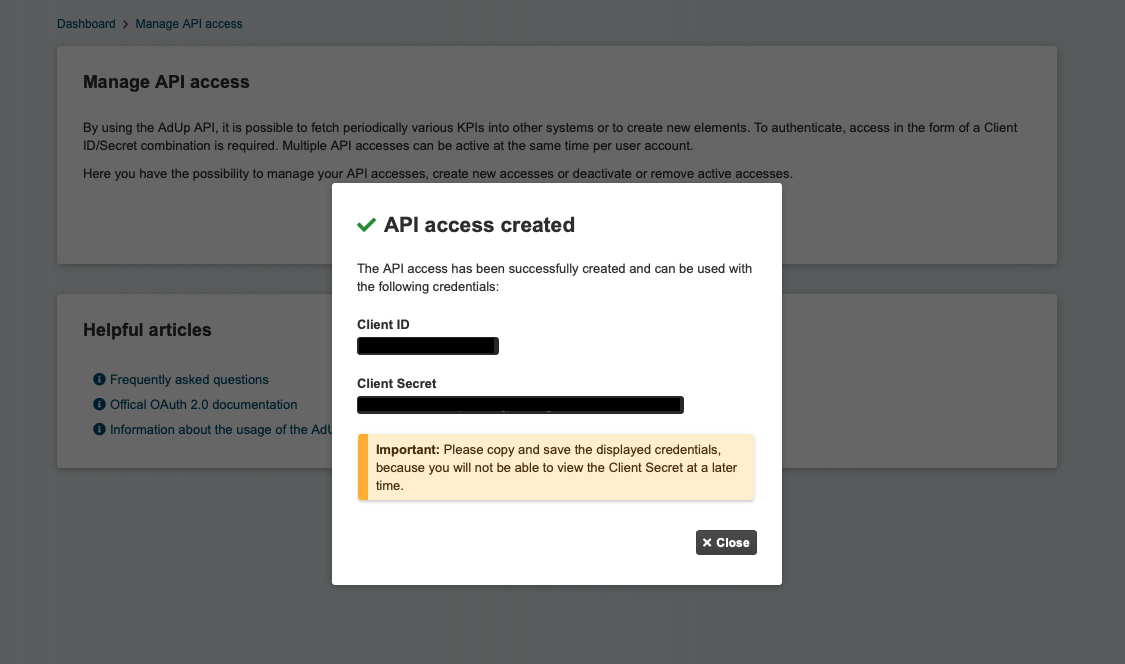
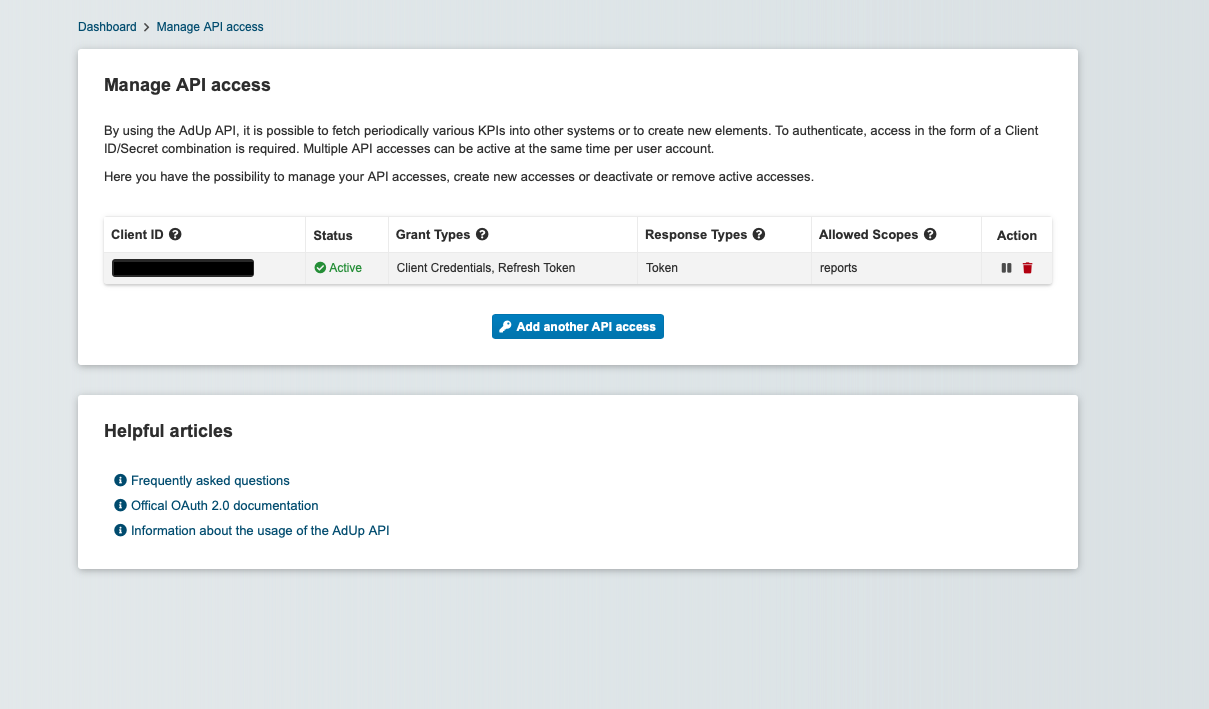
Now choose the scope of your API access and confirm your selection. You will then receive your access data for the AdUp API. Make a note of your client secret, it will no longer be displayed to you later.
If you want to use your API access for more than just reporting queries, contact us for more information and routes at support(at)adup-tech.com.